
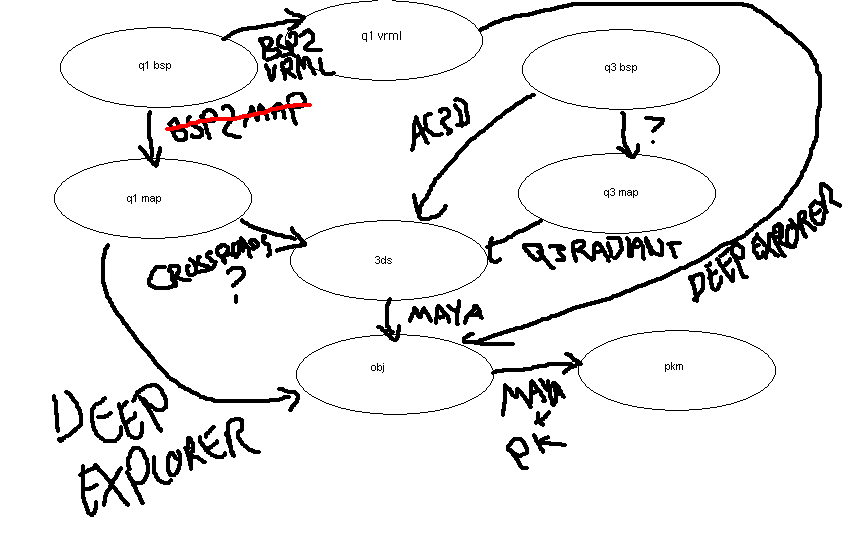
Methods of converting wireframe geometries into Maya.
https://www.pkeuro.net/images/modding/convert.gif
QUAKE/QUAKEWORLD
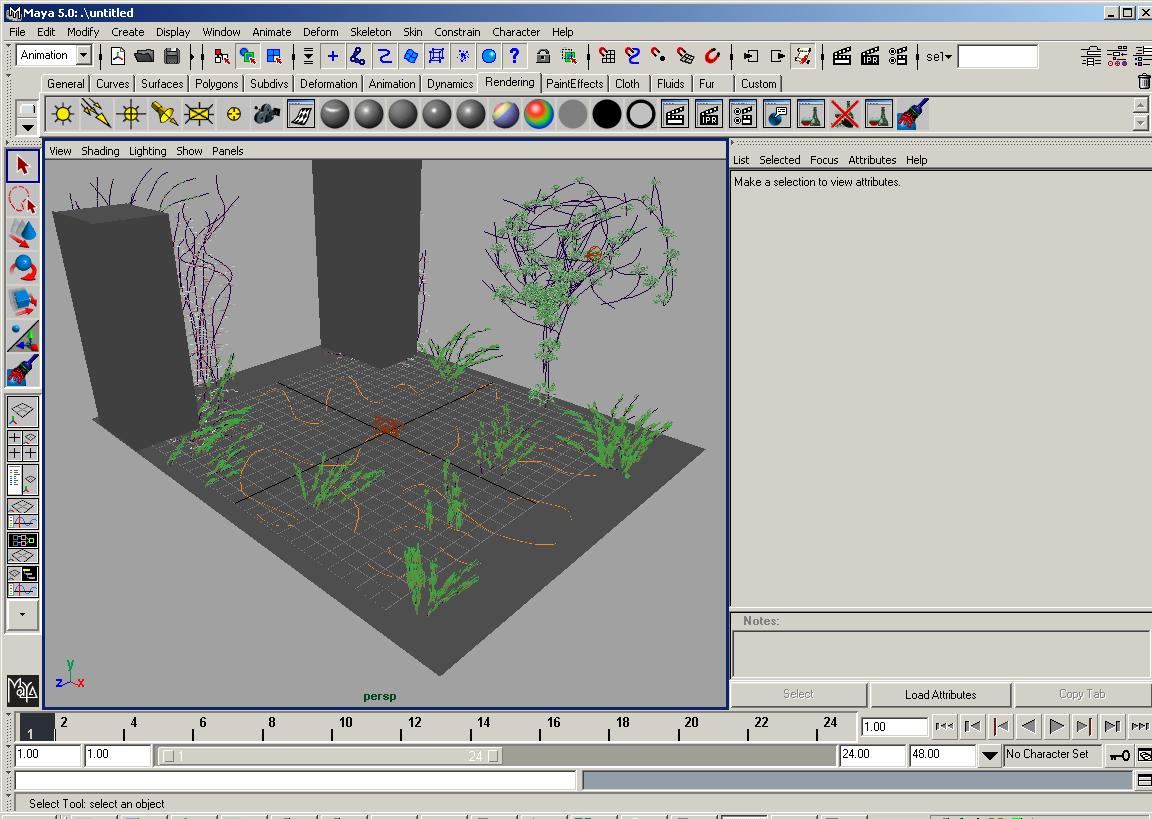
================
1. Convert BSP into MAP using BSP2MAP tool. Open PAK
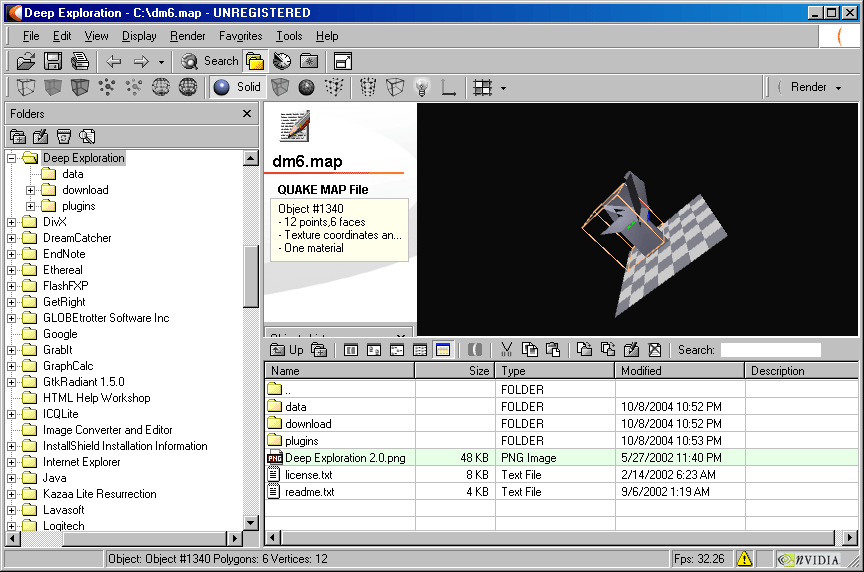
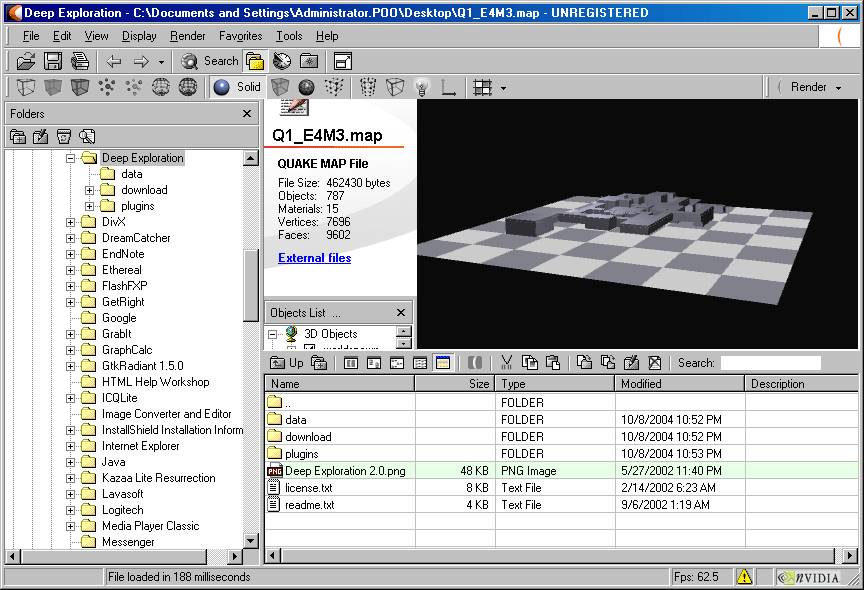
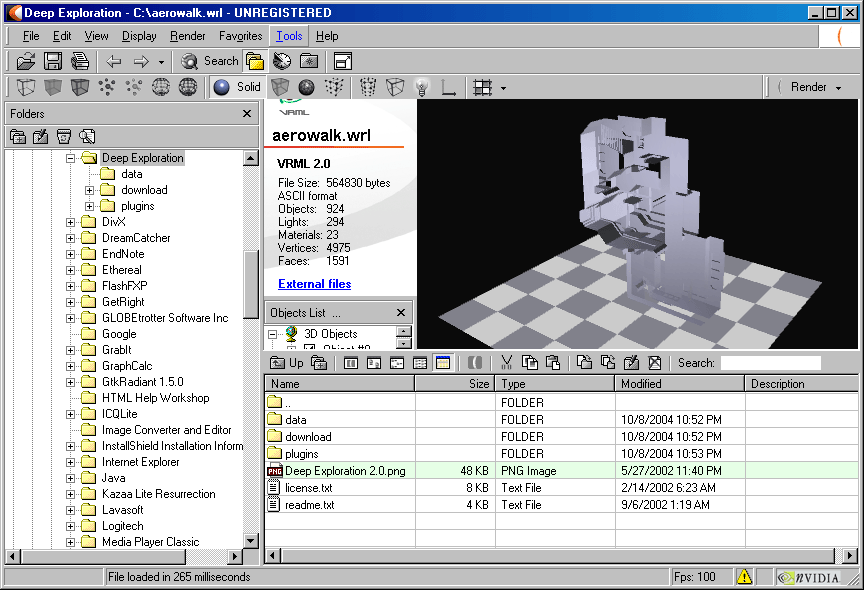
2. Open MAP using Right Hemisphere
3. Import OBJ into Maya.
4. Set View|Camera Settings| Perspective off. Press
dm4mayawalkway.jpg

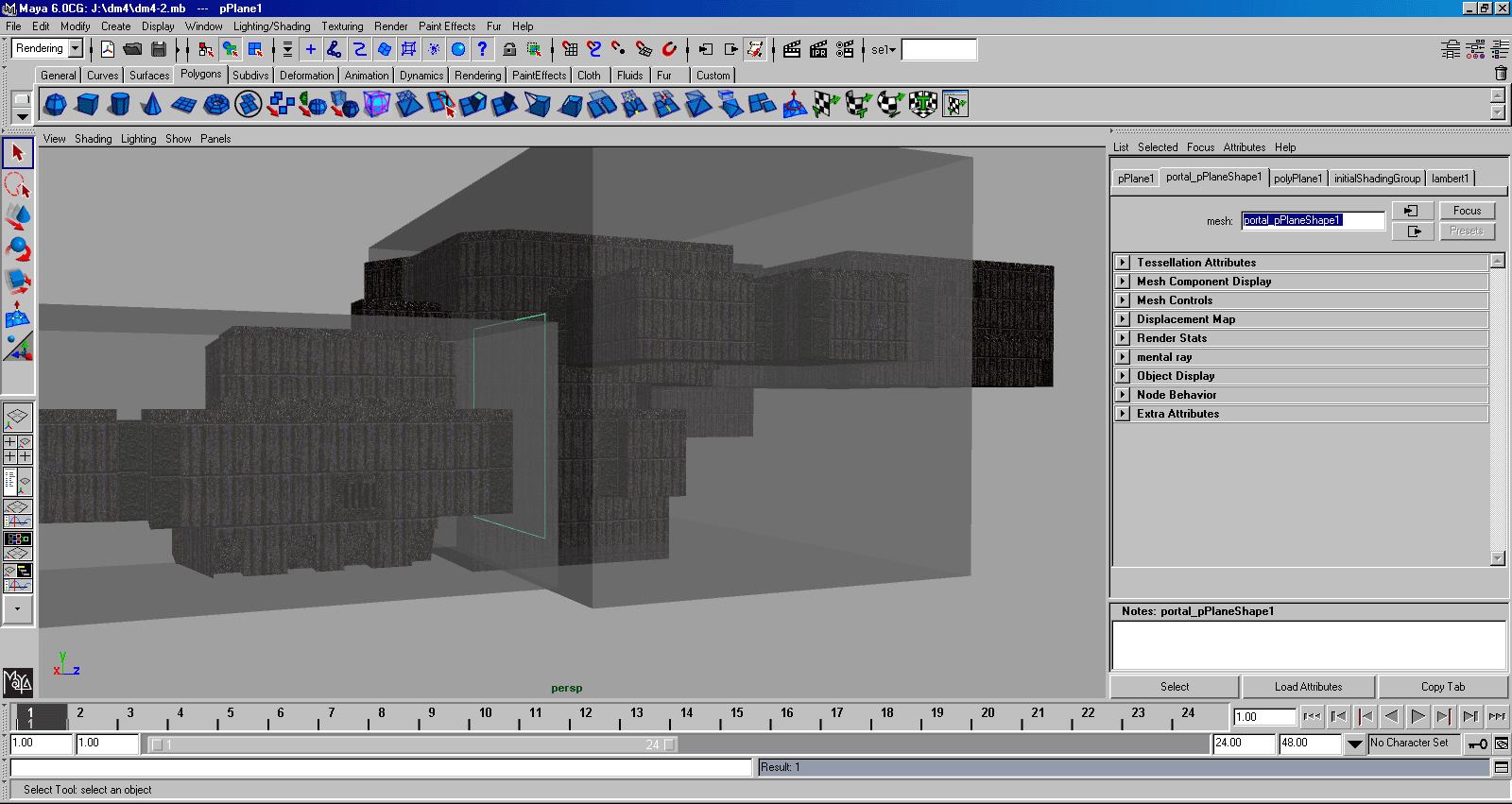
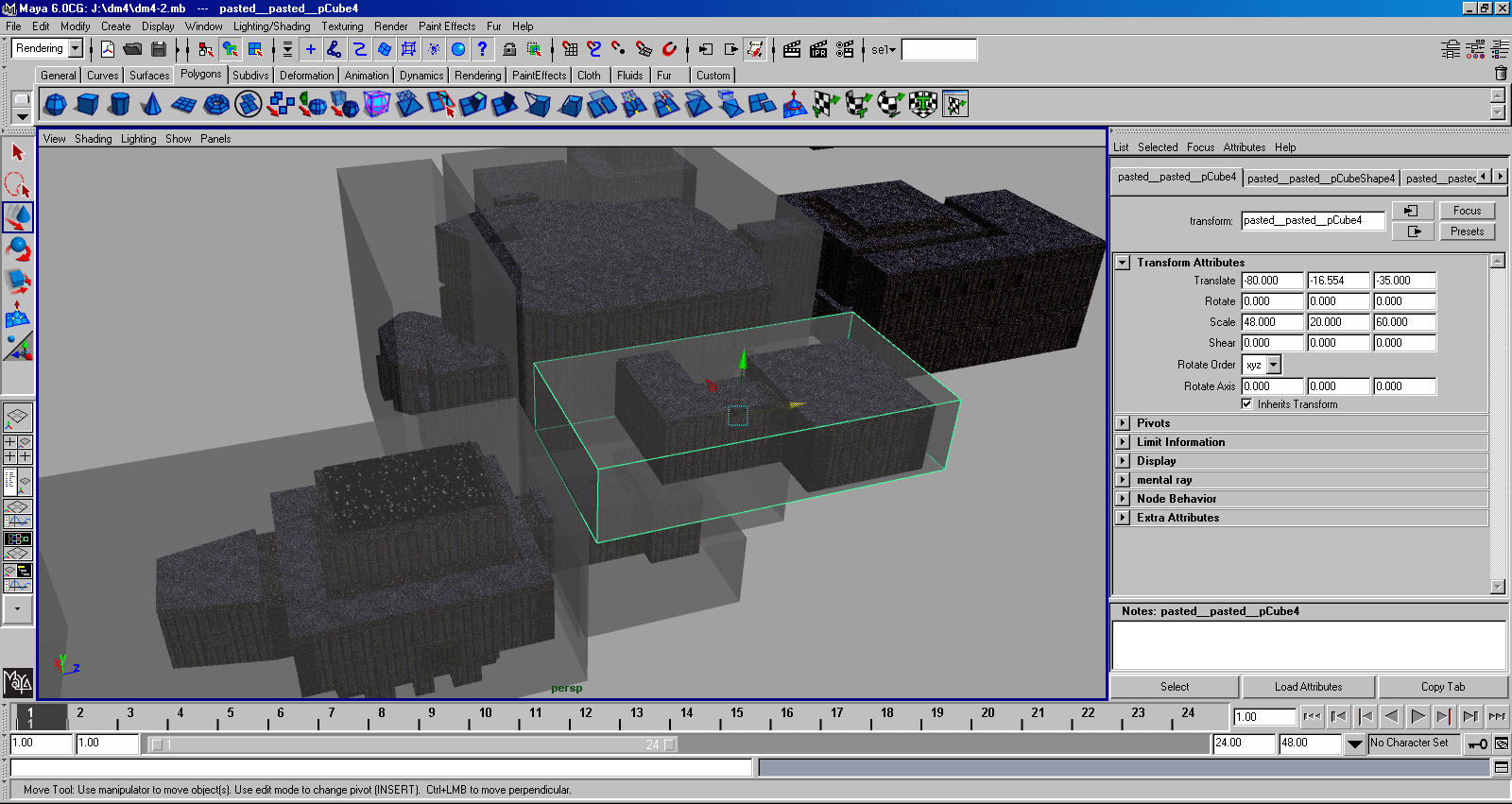
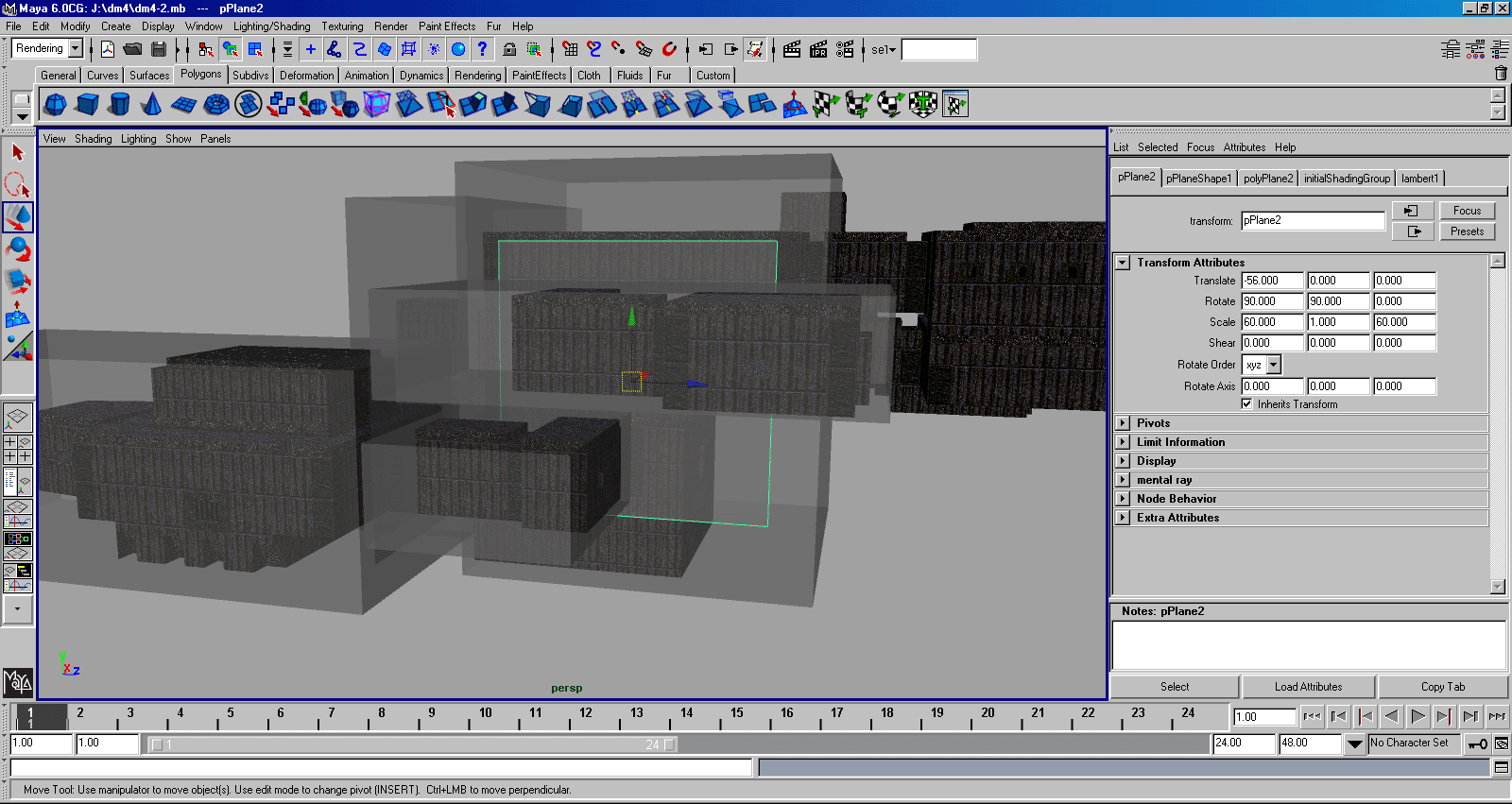
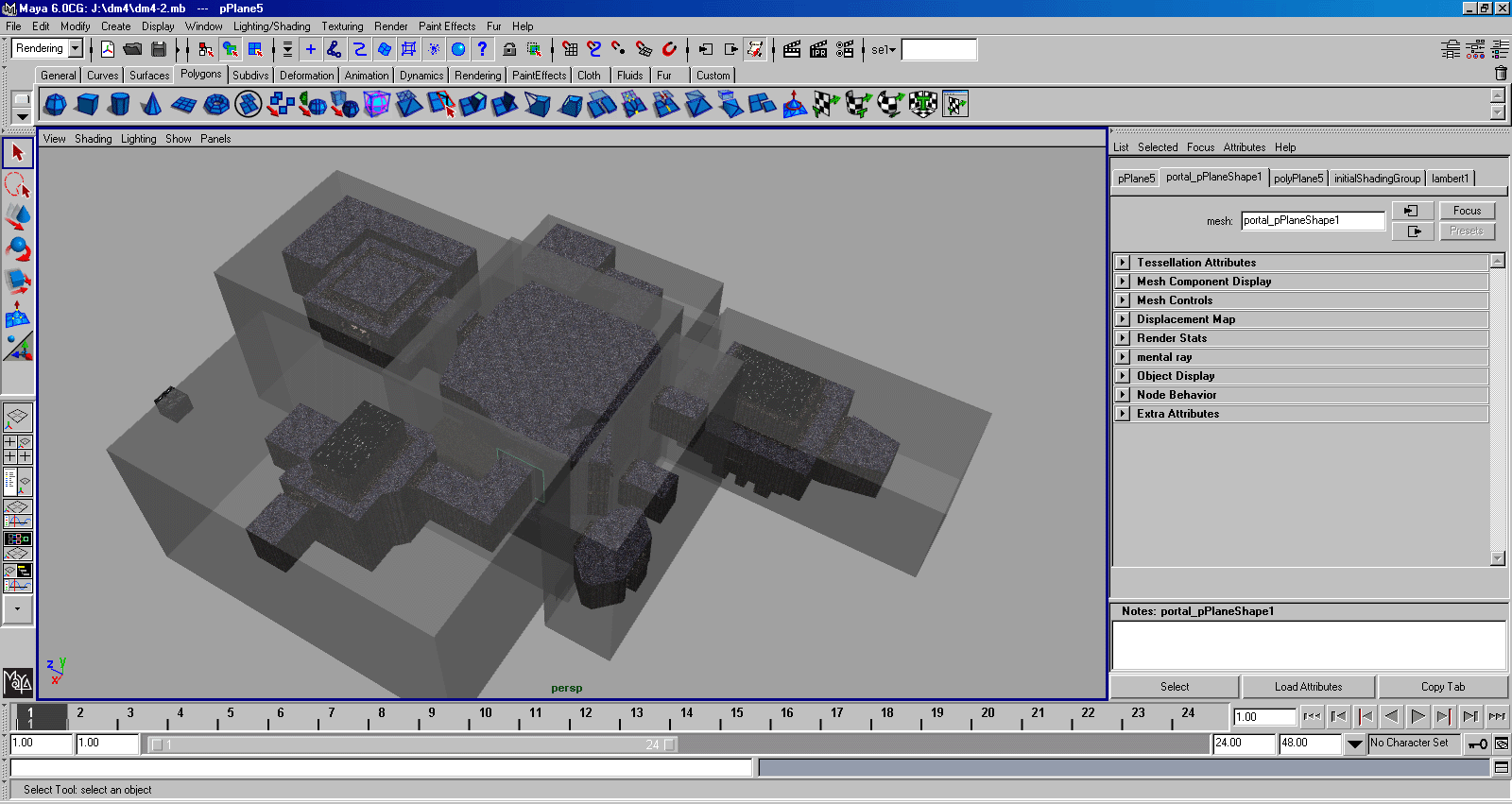
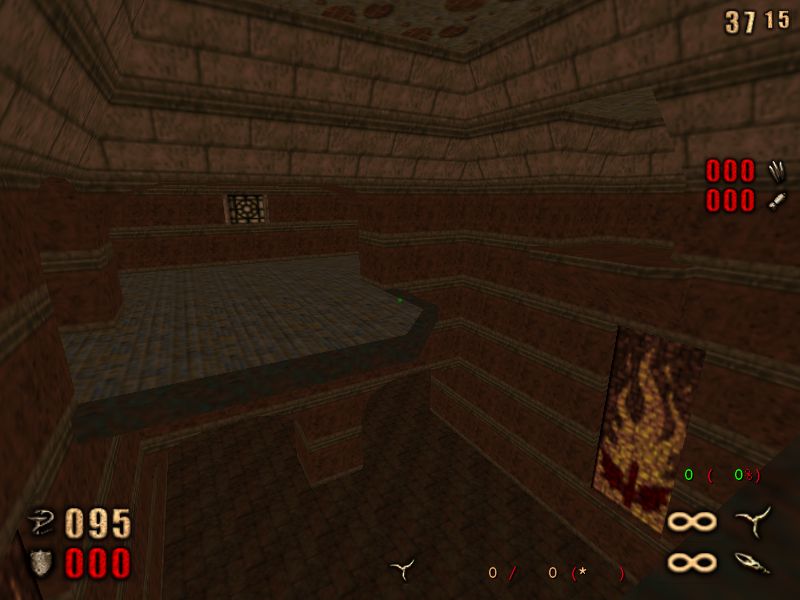
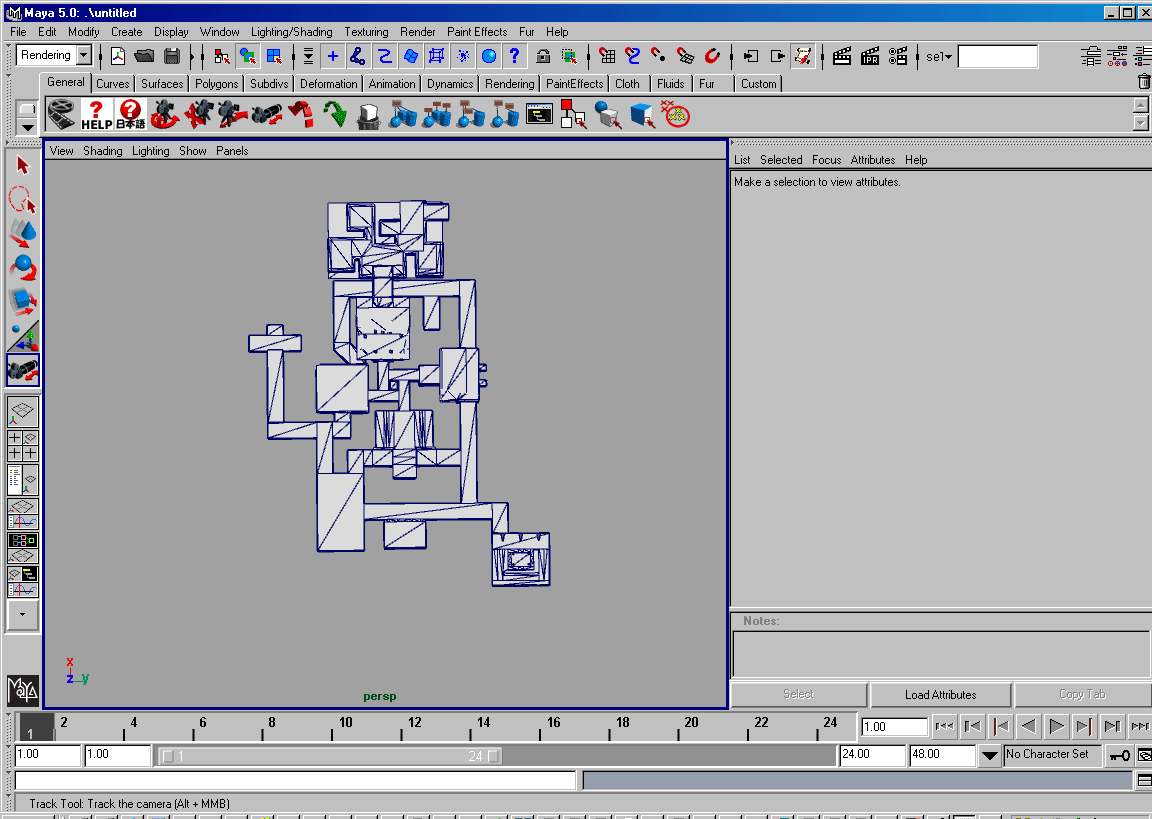
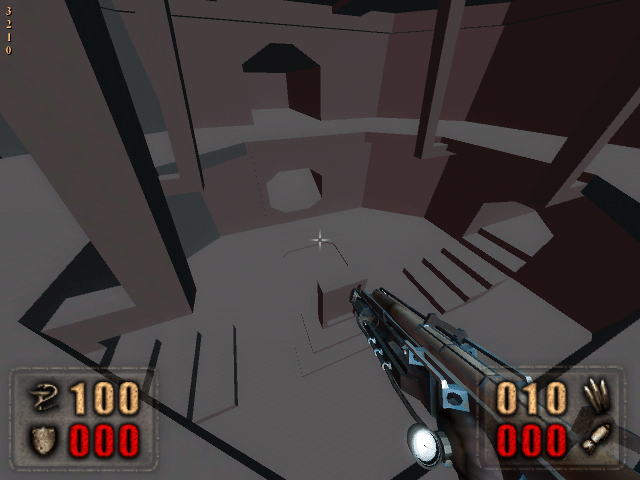
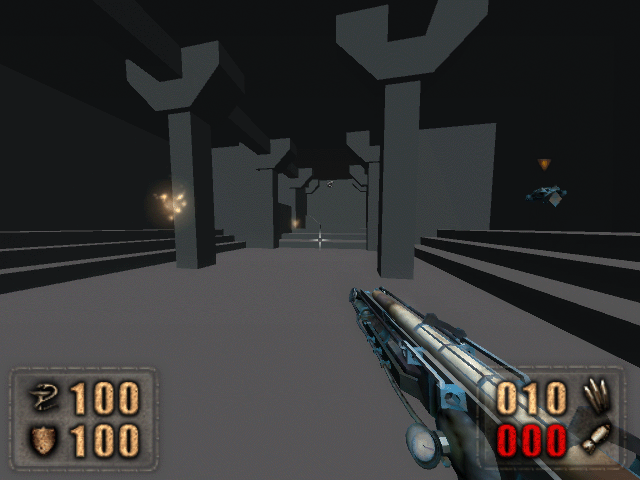
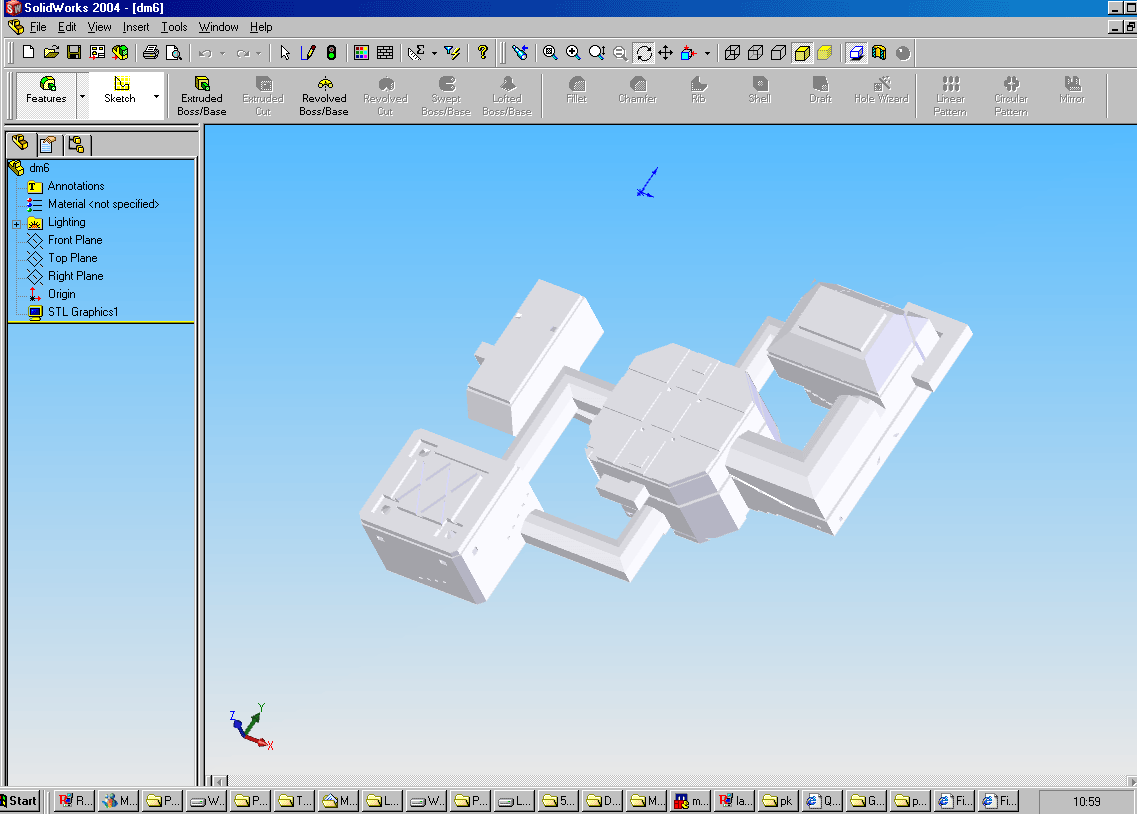
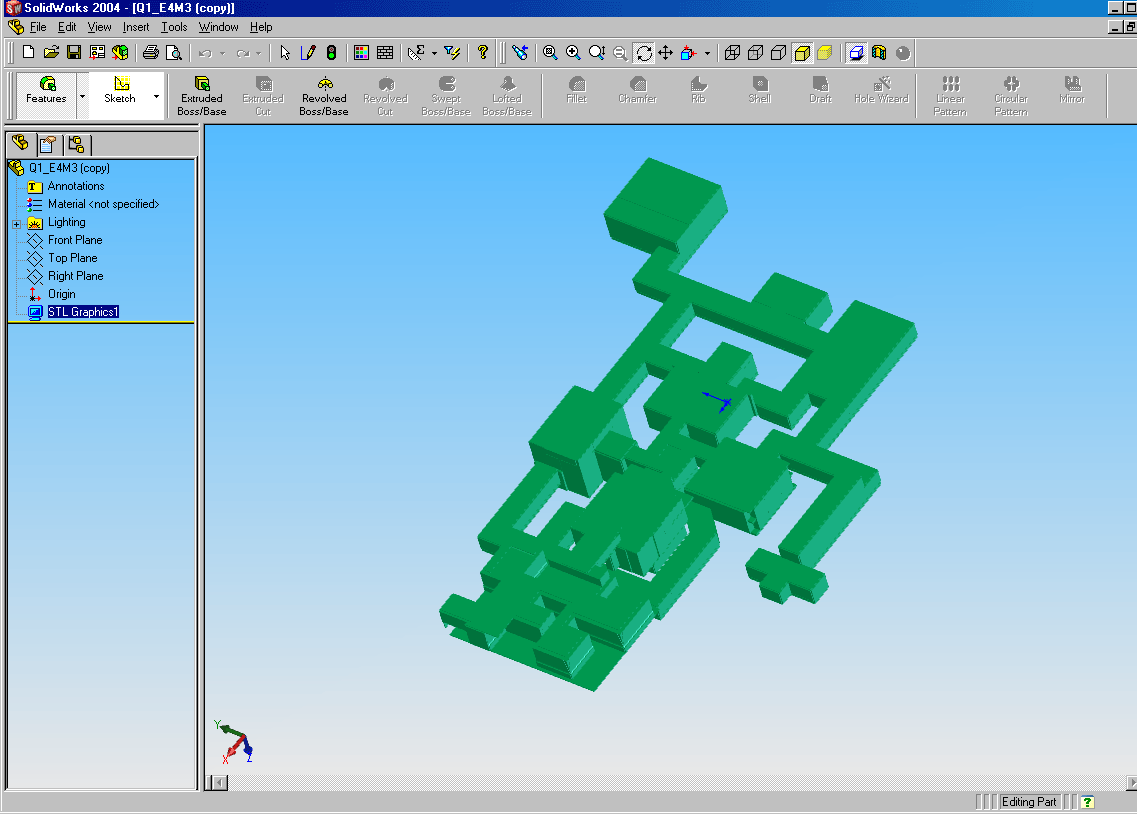
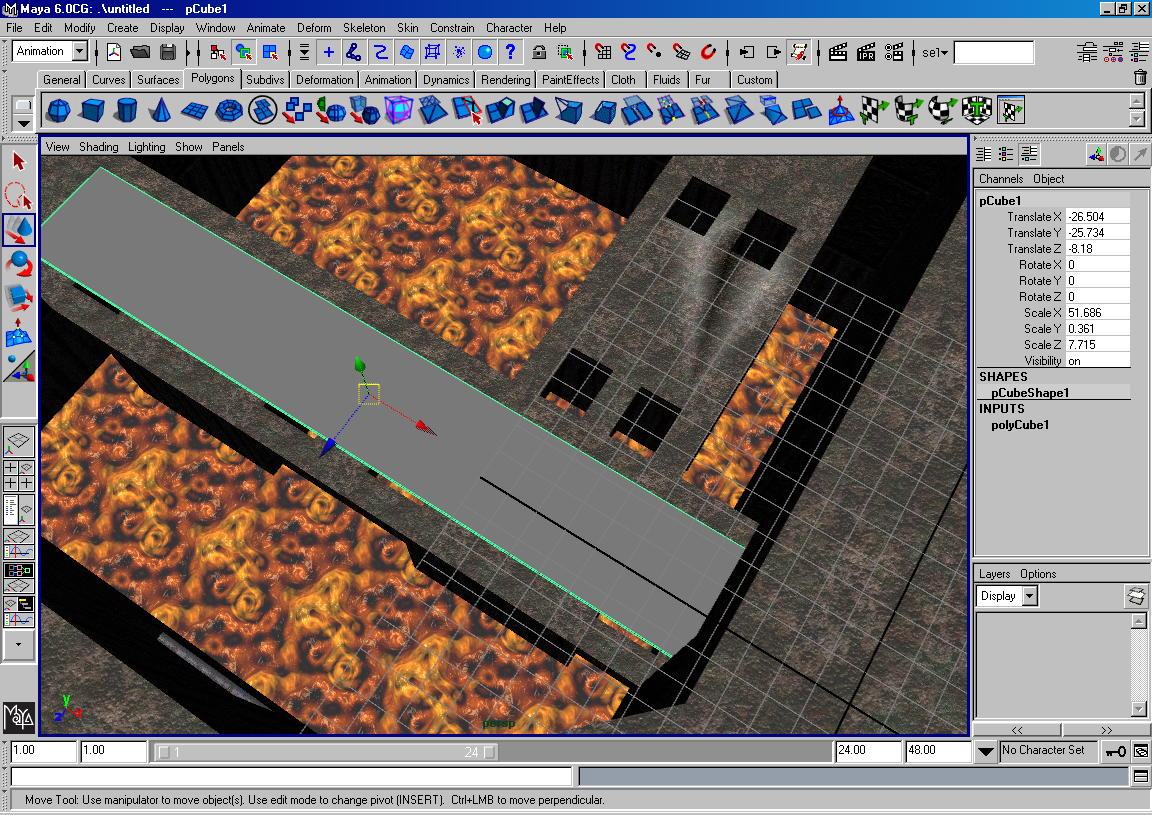
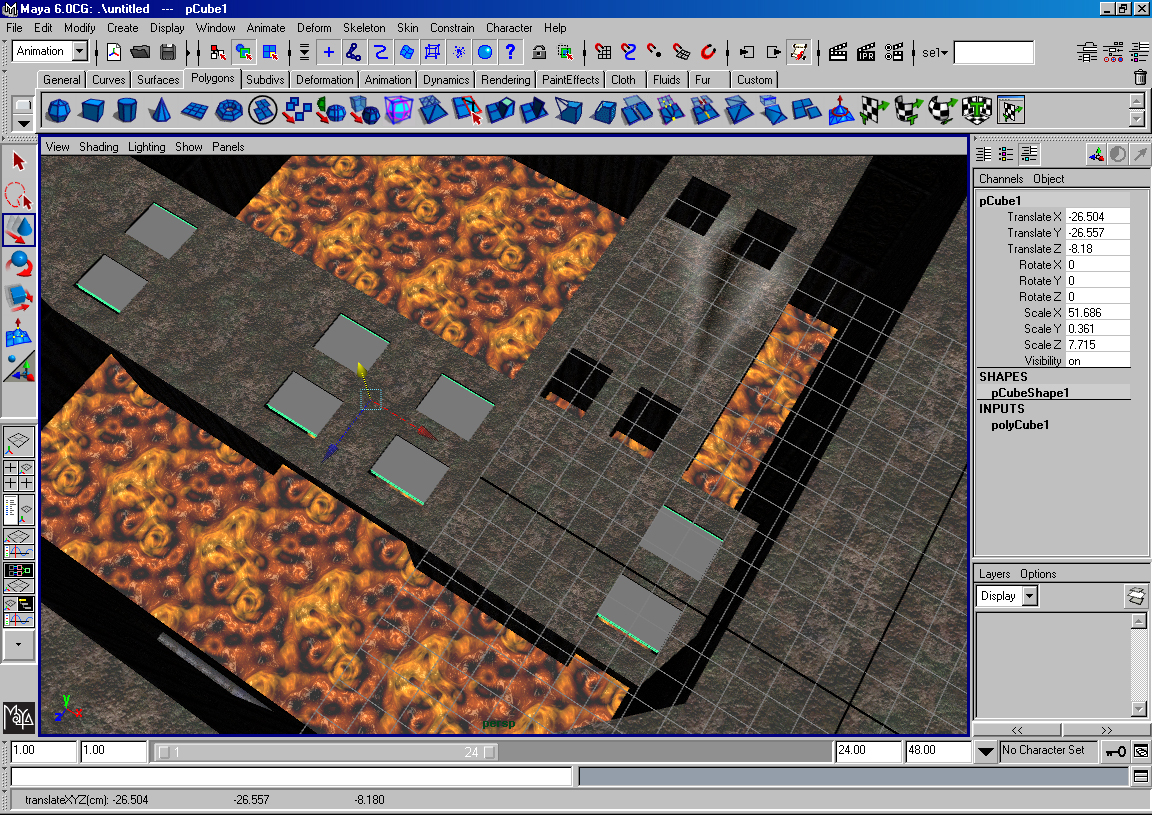
5. Set scale 1.2 1.2 1.2 , rotation 90 0 0
6. (Assuming you
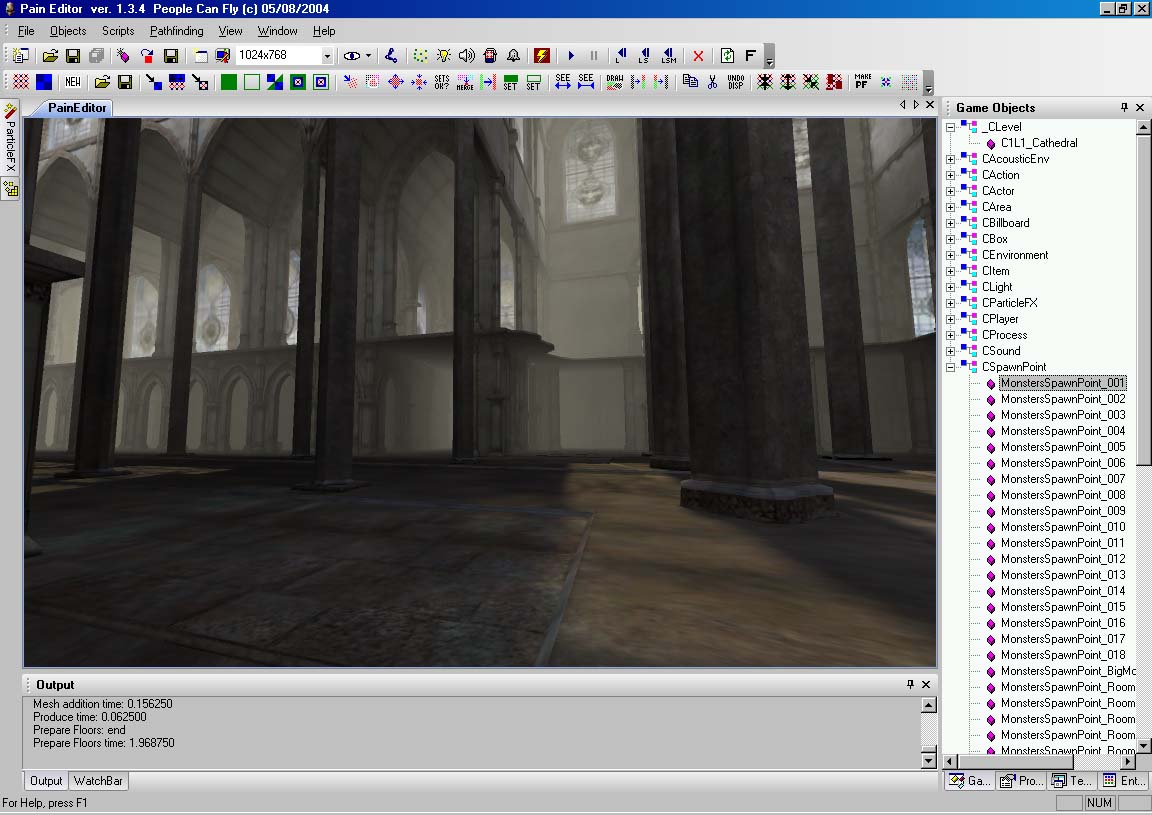
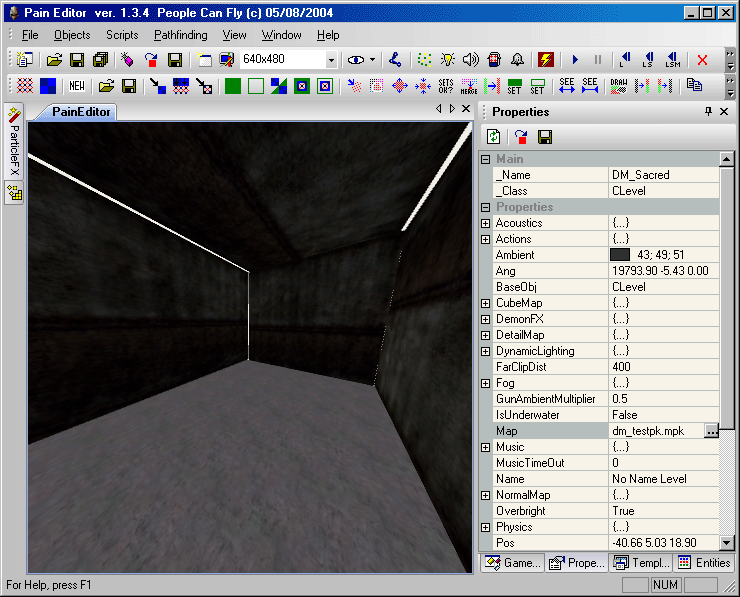
7. Open Paineditor with a New Level… under templates add at least one Gameplay|playerrespawnpoint.
8. Make sure you Save All as DM_* … it needs to be DM_ for PK to recognise it as an MP map.